


In this guide
- 01Why does a Google Business Profile matter for a contractor?
- 02Can a contractor have a Google Business Profile without a storefront?
- 03What name should a contractor use on Google?
- 04Which categories should a contractor choose?
- 05What should you add to the profile besides the basics?
- 06How do reviews work on a Google Business Profile?
- 07California: license number and advertising rules
- 08Mistakes that hurt or suspend a contractor profile
- 09A 30-minute checklist for your Google Business Profile
- 10Sources and last review
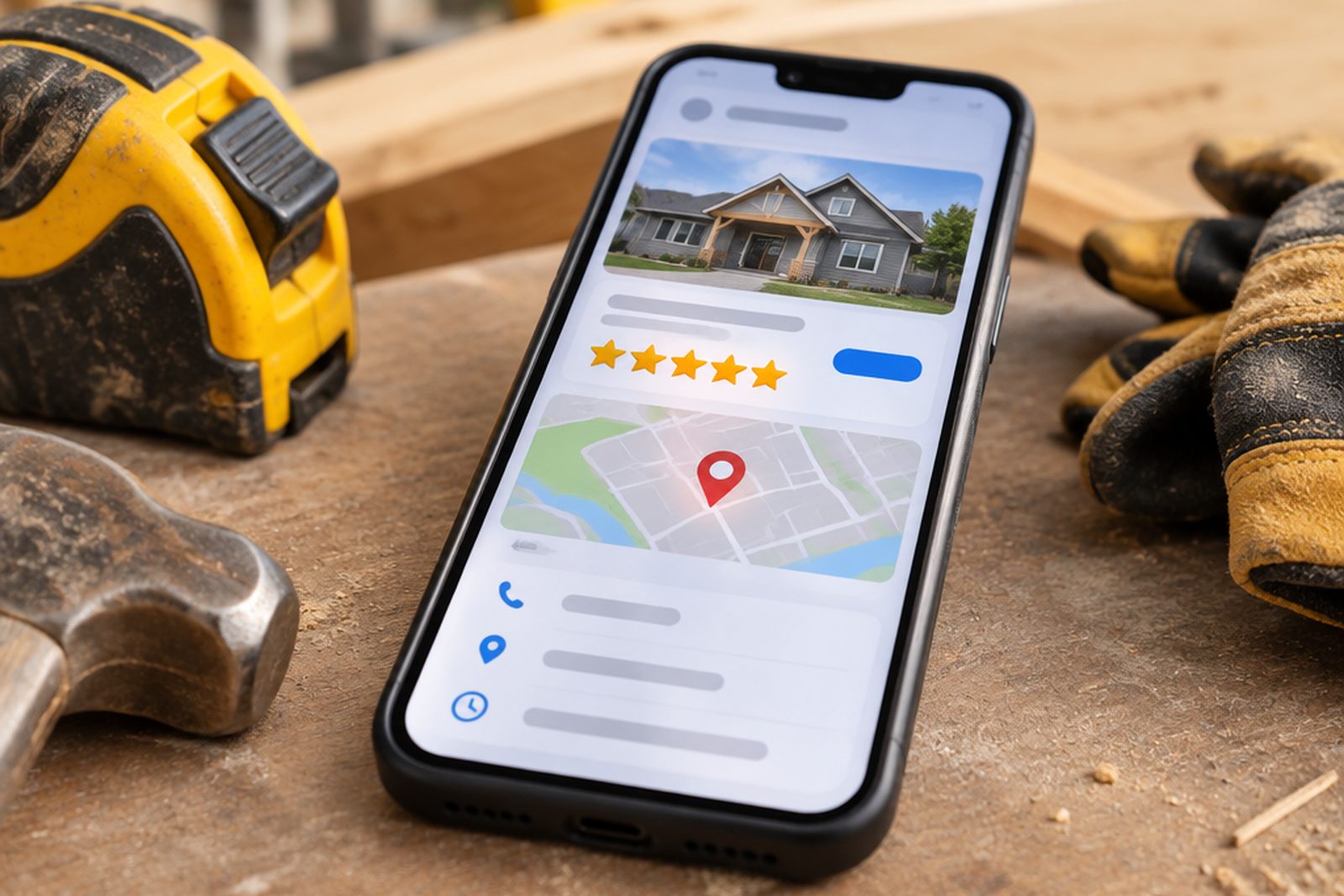
Search your own trade and city on your phone. The box with the map, the stars and the phone button is your Google Business Profile, a free listing on Google Search and Maps. Homeowners often call from it without ever opening your website.
To set it up the right way: use your real business name, pick one specific main category, hide your home address and list the areas you serve if you travel to customers, then keep photos, services and reviews current. This guide follows Google's own help pages, and it ends with a checklist you can finish in half an hour.
Why does a Google Business Profile matter for a contractor?
A homeowner with a leak or a tired kitchen looks at the first few businesses with a map, a rating and photos. Often they decide right there. If your listing looks empty or abandoned, they scroll on.
Google says local results are mainly based on relevance, distance and prominence, and that prominence includes reviews and links from other websites (how Google ranks local results). It also says plainly that there is no way to request or pay for a better local ranking. That is good news for a well-run small company: the work is in the details, not in the budget.
Can a contractor have a Google Business Profile without a storefront?
Yes. Google's guidelines for representing your business say a business that travels to customers where they are can have a profile. In that case it is a service-area business: you list the cities or areas you serve, and customers do not see a street address.
A few rules from the same page matter for contractors:
- If you run the business from your home, hide that address from customers. Do not show it on the profile.
- A virtual office is not eligible, and neither is a mailbox at a remote location.
- There should be one profile per business, not one per city or per trade.
- Service areas should stay within about two hours of driving time from your base, although Google allows larger areas when a business can justify them.
What name should a contractor use on Google?
Use your real-world business name, exactly as it appears on your signage, invoices and website. Google says that adding unnecessary information to the name, such as a tagline, keywords, a phone number or a city, is not permitted and could lead to a suspension.
So “Smith Construction Inc.” is fine if that is the name on your paperwork, and “Smith Construction | Best Kitchen Remodeler Irvine” is not. Stuffing keywords into the name is tempting, and it is one of the quickest ways to lose the profile.
Which categories should a contractor choose?
Google asks for as few categories as possible, as specific as possible, chosen to complete the sentence “This business is a...”. Categories are not keywords and not a list of services.
In practice, pick the one that best describes the work that pays your bills as the primary category, and add a second or third only if they are truly part of your business. A company that is mostly kitchens and baths should lead with that, not with a general contractor category it does not want calls for. Review the categories again whenever your mix of jobs changes.
What should you add to the profile besides the basics?
A complete profile gives Google more to match against what people search for, and gives homeowners reasons to trust you. Add, in this order:
- Services: each type of job you want, in the words homeowners use (for example “kitchen remodeling” or “roof replacement”), one by one.
- Description: what you do, where and for whom, in plain text. Google does not allow links, promotions or prices in the description.
- Phone number: one you control and that someone answers. Use a local number rather than a call center where possible.
- Hours: your regular customer-facing hours. If you only work by appointment, Google says not to list hours.
- Photos: finished jobs, your team and your trucks, all from your own work. Homeowners want to see what you actually build.
- Your license number where the profile and your website allow it (see the California section below).
How do reviews work on a Google Business Profile?
Reviews are part of prominence, and they are also what a homeowner reads first. Google lets you ask customers for reviews with a link or QR code, and asks you to reply in a short, professional way.
It also prohibits offering incentives, like free or discounted services, in exchange for reviews. Google's content policy says merchants may not selectively solicit positive reviews. We go through the wording and the routine in our guide to getting more reviews as a contractor.
California: license number and advertising rules
In California, the Contractors State License Board (CSLB) reminds licensed contractors to include their license number on all advertising, including websites and online postings, to advertise only work within their license classification, and not to advertise that they are bonded (CSLB advertising bulletin). Your profile, your website and your ads are all read with that in mind.
This is a summary of a CSLB publication, not legal advice. Confirm the current rules with CSLB or your attorney.
Mistakes that hurt or suspend a contractor profile
Most problems come from trying to look bigger than the business is. The ones we see most often:
- Keywords or a city added to the business name.
- A home address shown publicly, or an address that is not really yours.
- A second profile for the same company, or one per city you want to reach.
- Too many categories, including ones for work you do not want.
- Reviews from friends and family, paid reviews, or discounts in exchange for a review.
- Phone numbers that nobody answers, so the profile brings calls that go to voicemail.
A 30-minute checklist for your Google Business Profile
Open your profile as a homeowner would, on your phone, and go through it once. Then repeat it every month:
- Is the name exactly your real business name?
- Is your home address hidden, and are your service areas correct?
- Is the primary category the work you most want?
- Does the services list use the words customers search for?
- Are there photos from the last 30 days?
- Have all new reviews received a short, personal reply?
- Does the phone number get answered, and does a missed call get a text back within minutes?
Sources and last review
Google Business Profile Help: guidelines for representing your business, how local results are ranked and managing reviews. CSLB: advertising bulletin.
Last reviewed on November 13, 2026. Google updates its rules often, so check the linked pages before you change your profile. If a profile has been suspended, use Google's own reinstatement process and do not create a second profile.
Frequently asked questions
Is a Google Business Profile free?
Yes. Creating and managing a Business Profile costs nothing, and Google says you cannot pay for a better local ranking.
Should I show my home address on Google?
No. If you run the business from home and travel to customers, Google asks you to hide the address and show only your service area.
Can I have more than one Google Business Profile?
Google says there should be only one profile per business. A separate profile is for a location with its own staff and service area, not for each city you want to reach.
Can I put my city or keywords in my business name?
No. Google asks for your real-world name and says that unnecessary information in the name is not permitted and could lead to a suspension.
How often should I update my profile?
Check it every month: photos from recent jobs, services that match what you want to sell, hours and replies to new reviews. Update it right away when your phone number, hours or services change.